

Pokémon Pokopia players who missed earlier limited-time events may have a way to recruit the Pokémon they thought were gone for good. The method uses the game’s Mysterious Goggles, a Nintendo Switch Online membership and a developer-created dream island.
Why event Pokémon are easy to miss
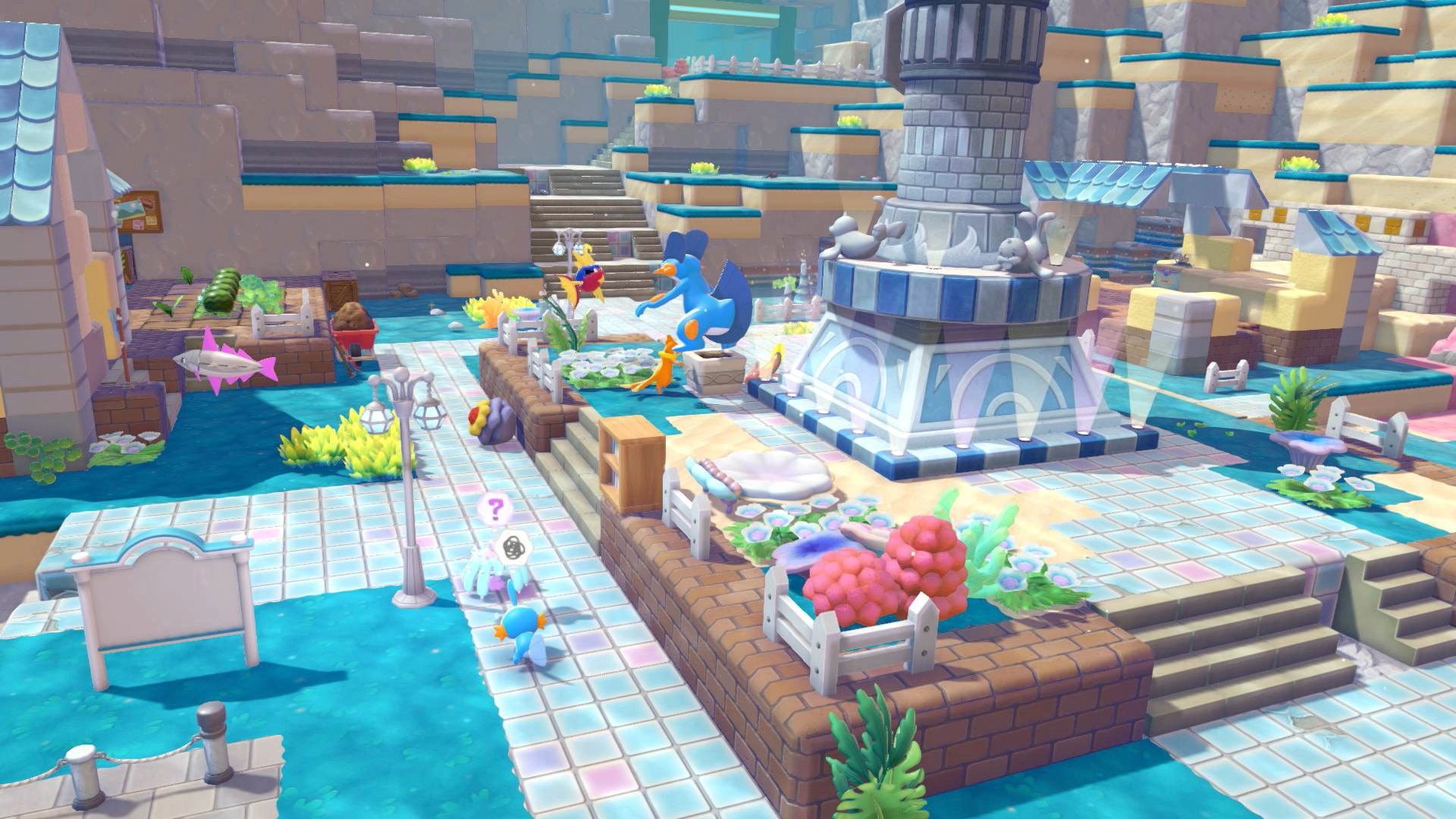
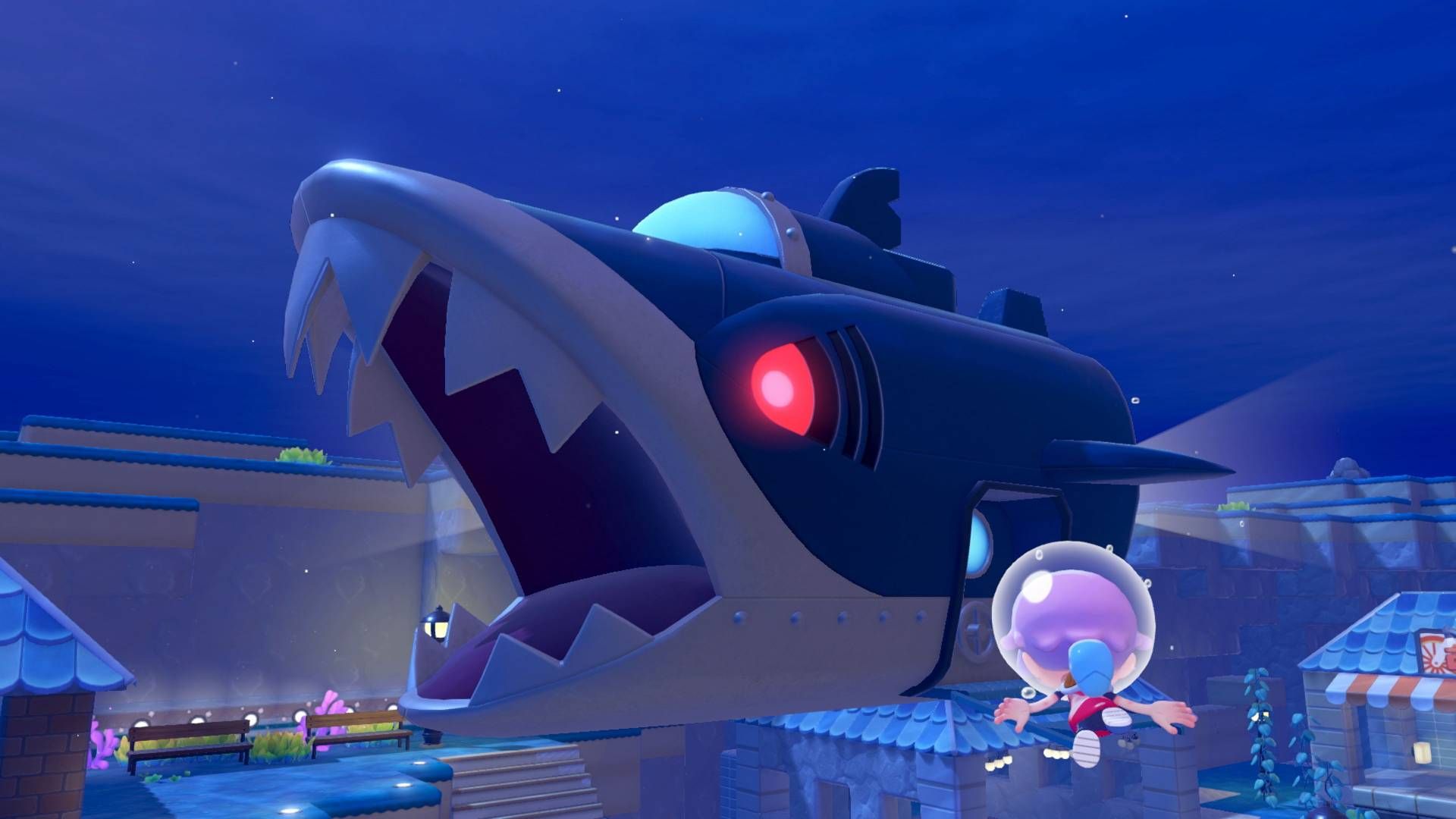
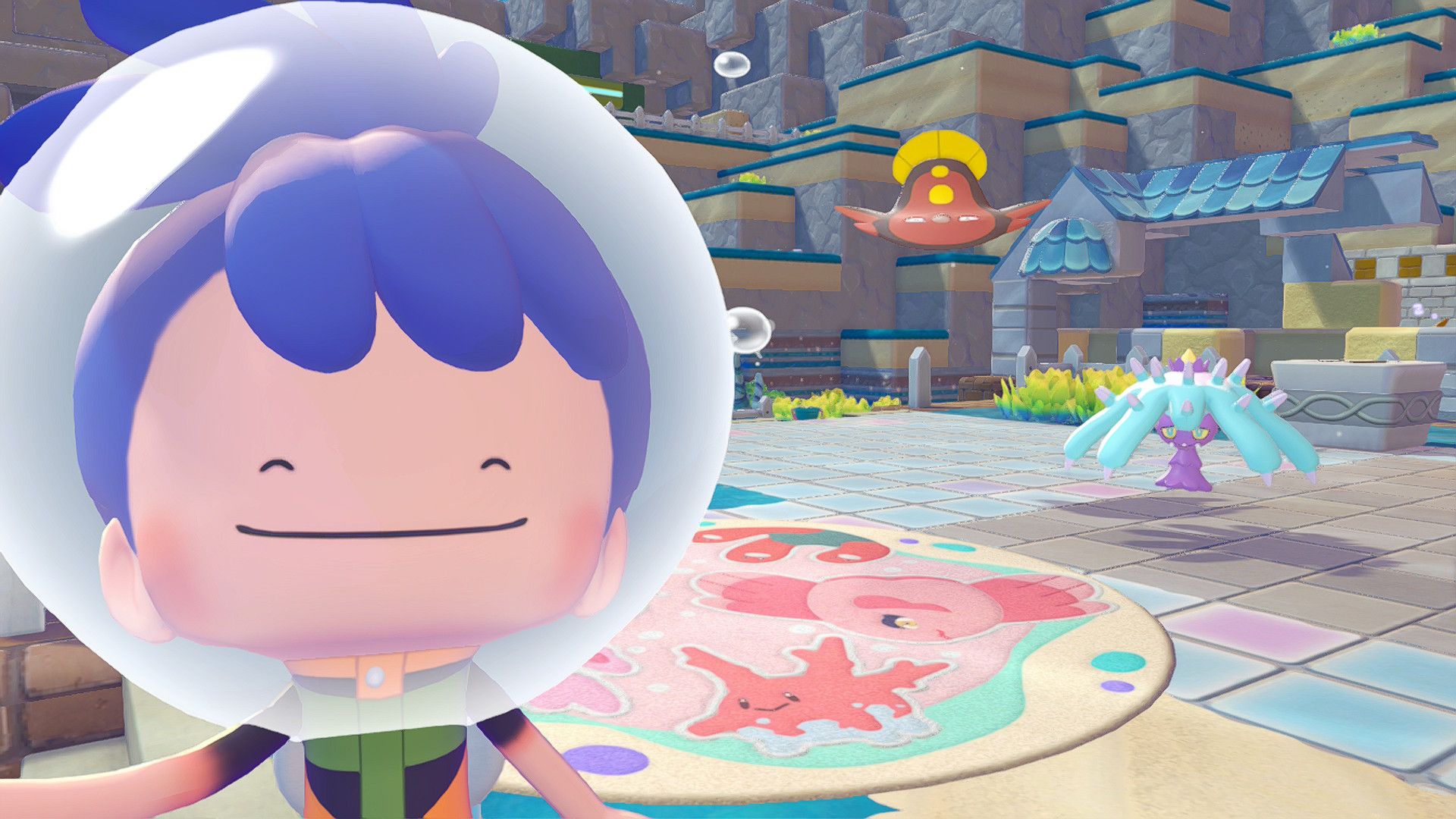
Since Pokémon Pokopia launched in March 2026, several in-game events have introduced Pokémon including the Hoppip evolution line, Sableye and Jirachi. The current “Fetching Scales for Feebas” event features both Feebas and Milotic.
The catch is that players who were unavailable during an event, or who began playing after it ended, cannot normally recruit those Pokémon again through the game’s standard mechanics. Changing the Nintendo Switch 2’s clock to recreate an event window is possible, but that “time travel” approach is technically cheating, even though Pokopia is a single-player game.

A Reddit player named ArcadiaCitizen_ discovered another method. It does not reopen the old event itself. Instead, it lets players copy the habitat items needed to make the missing Pokémon appear.
How the Mysterious Goggles method works
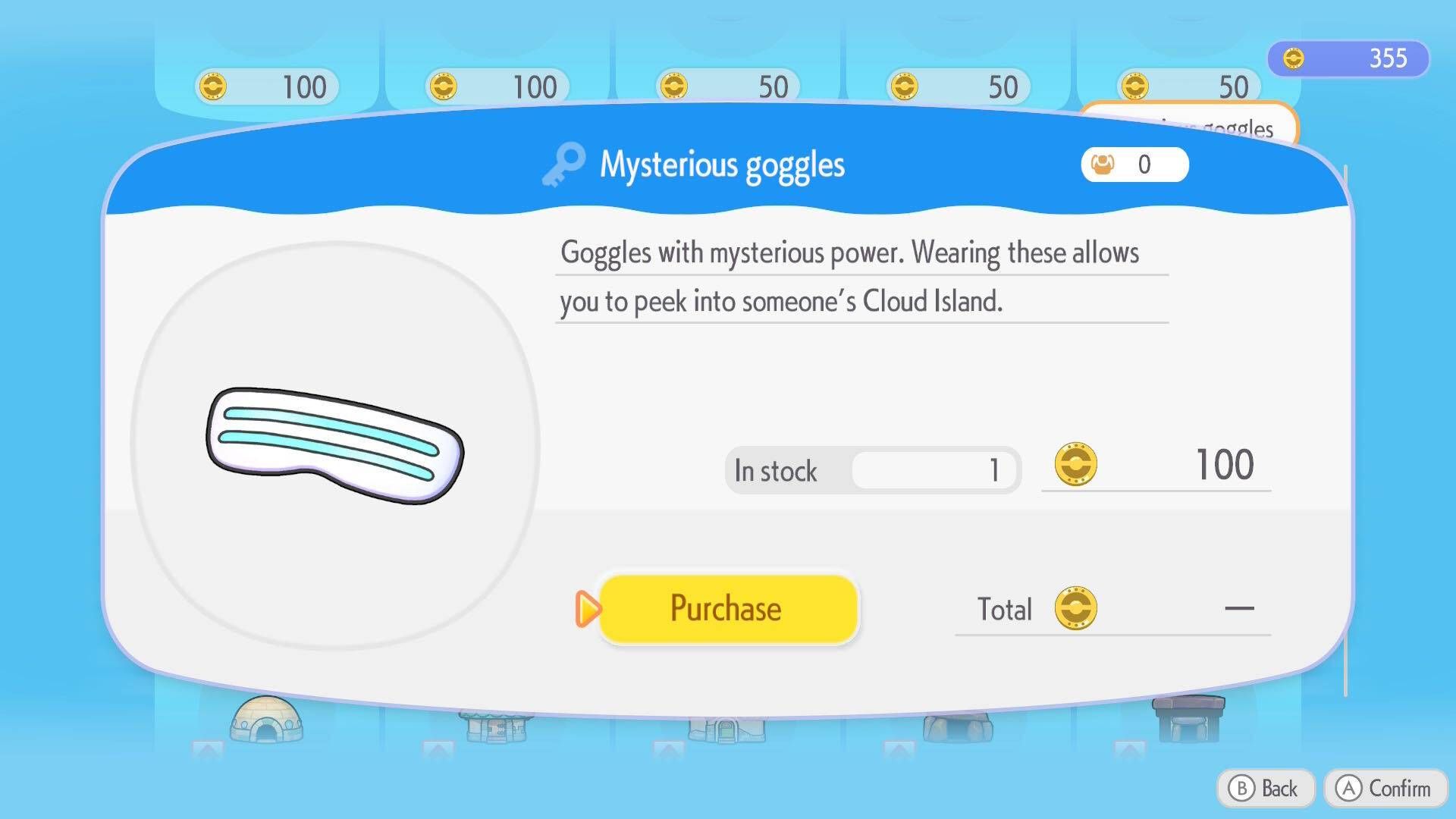
First, visit any Pokémon Center computer and purchase the Mysterious Goggles from the shop. Put them on to visit another player’s dream island. You cannot interact directly with objects there, but you can photograph them.

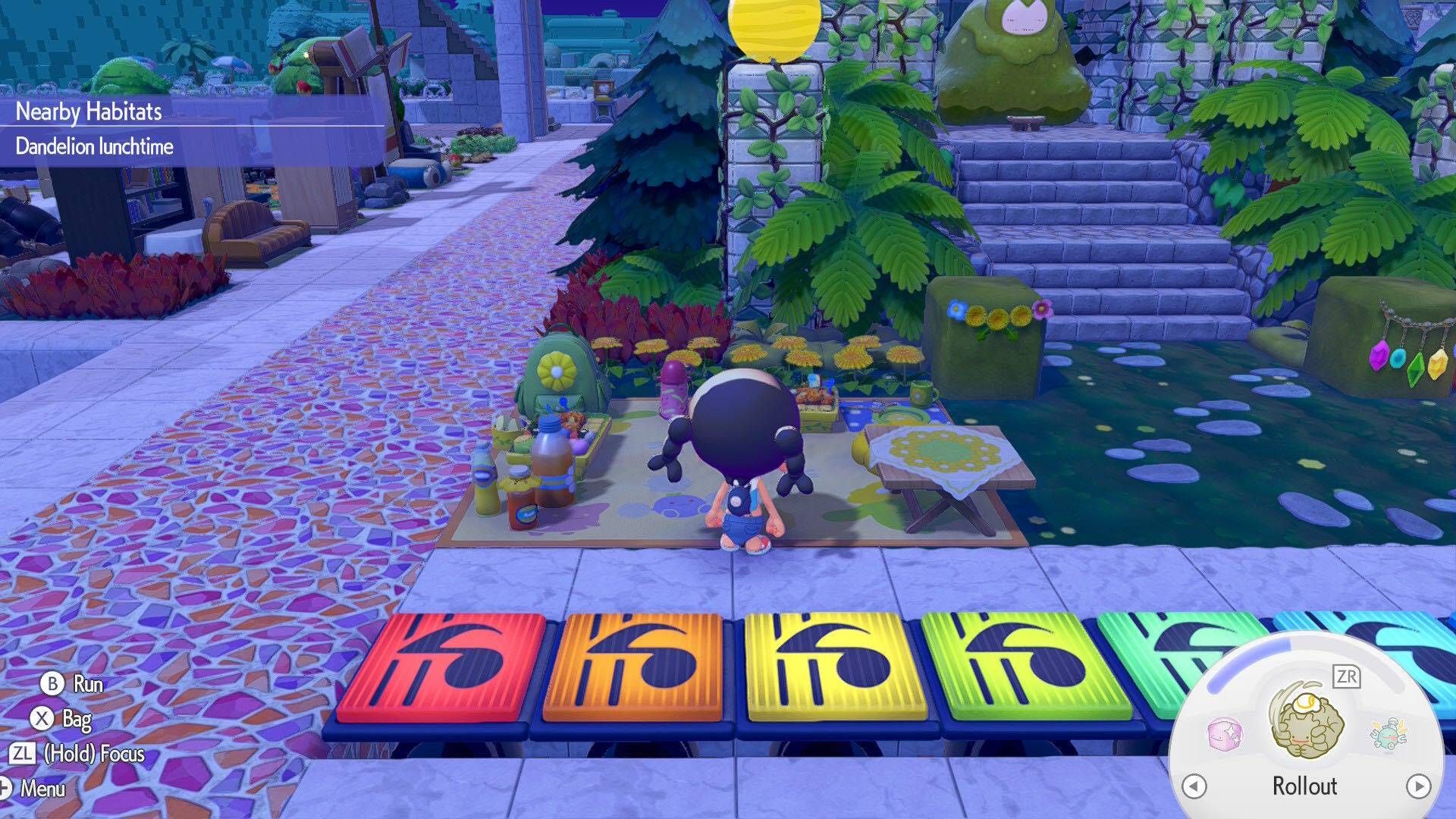


Enter the code 6DXL PD6F to travel to an island made by the developers. The island contains every item and Pokémon in Pokémon Pokopia, making it the central part of this workaround.
Photograph the habitat items
-
Equip the camera with the minus button.
-
Press Y to switch to the camera mode that highlights specific items.
-
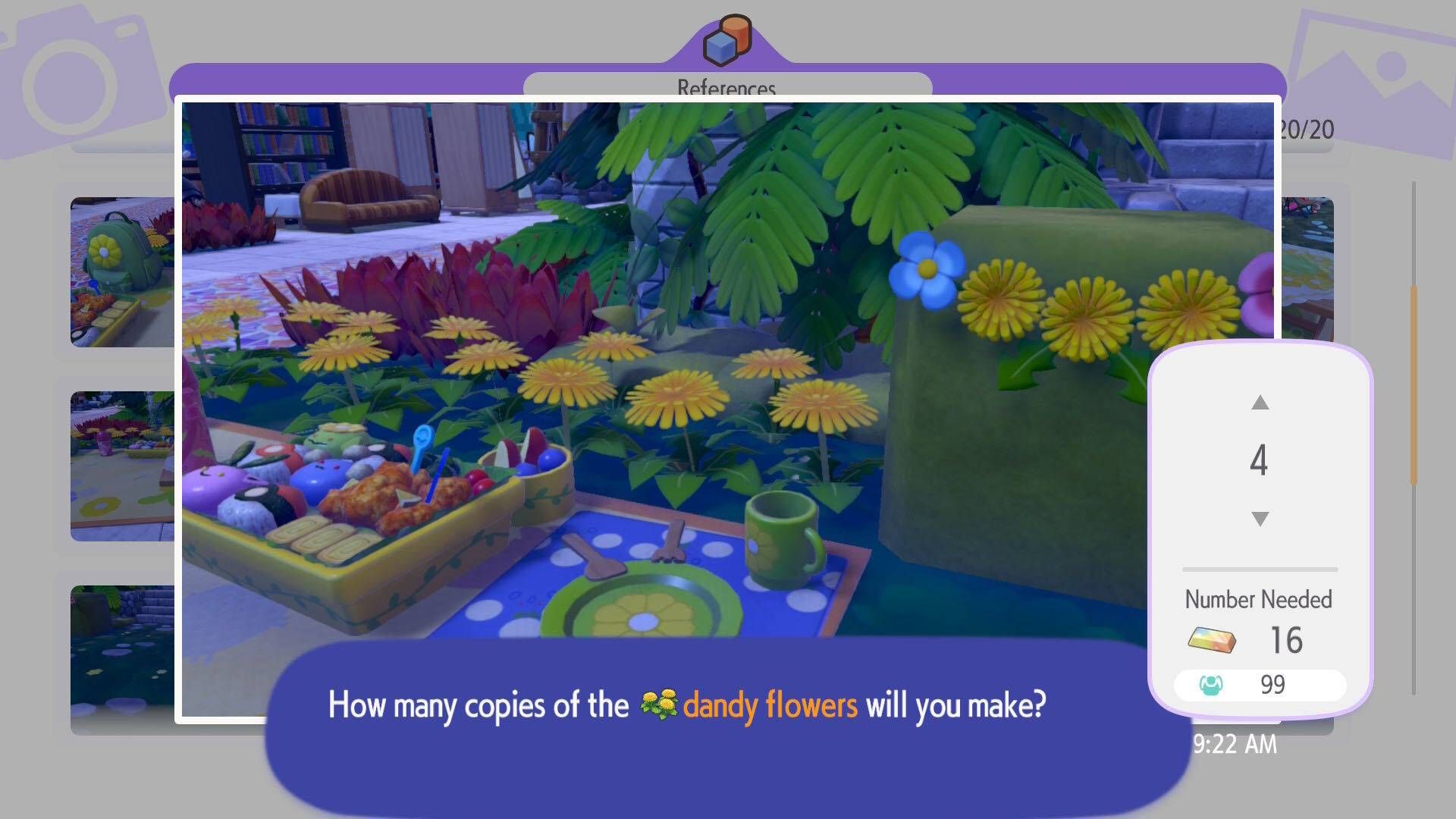
Photograph the objects used in the habitat for the Pokémon you are missing. You can capture up to 20 different items at once.
-
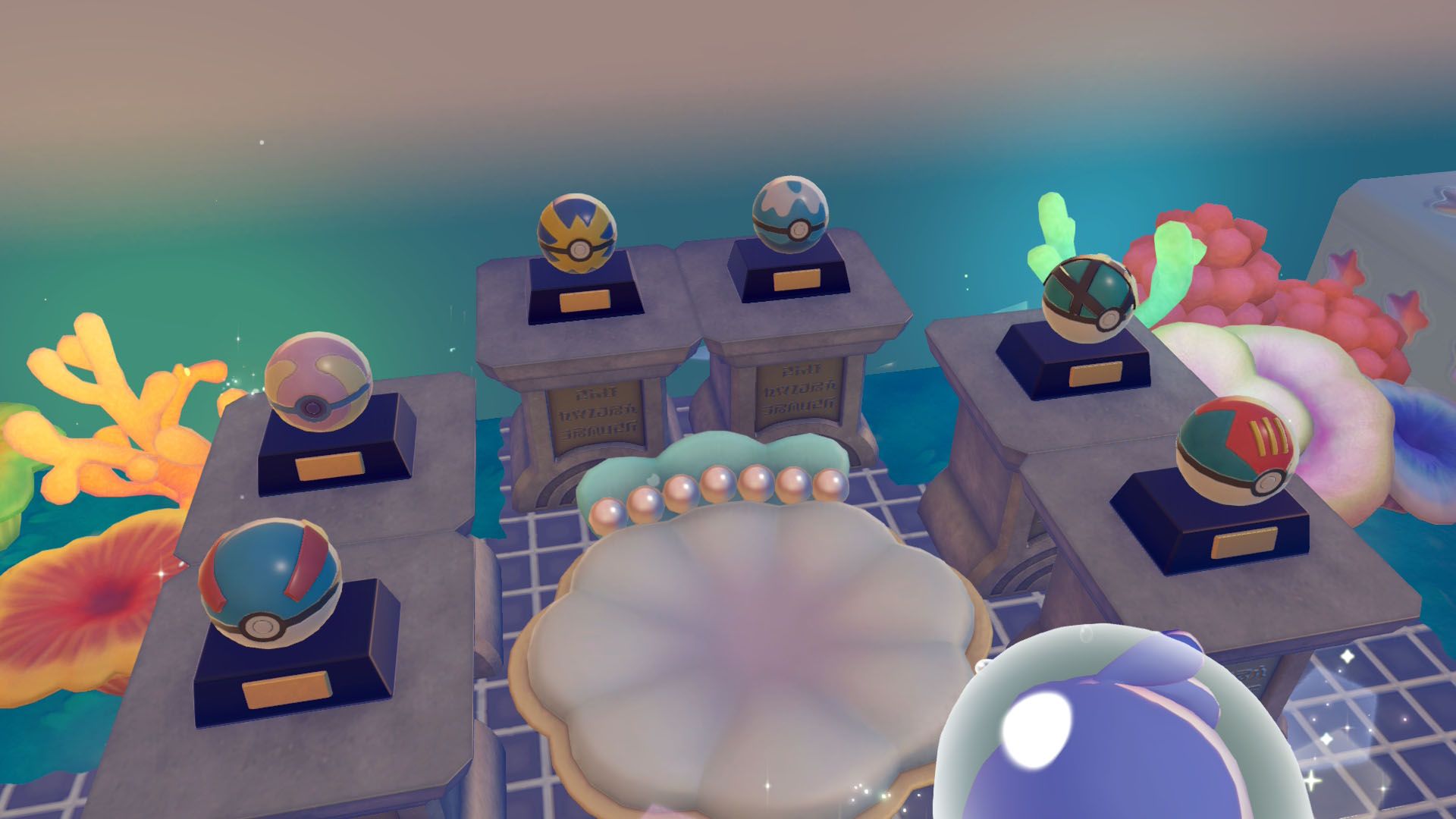
Return to a Pokémon Center and use the 3D printer to reproduce the items.
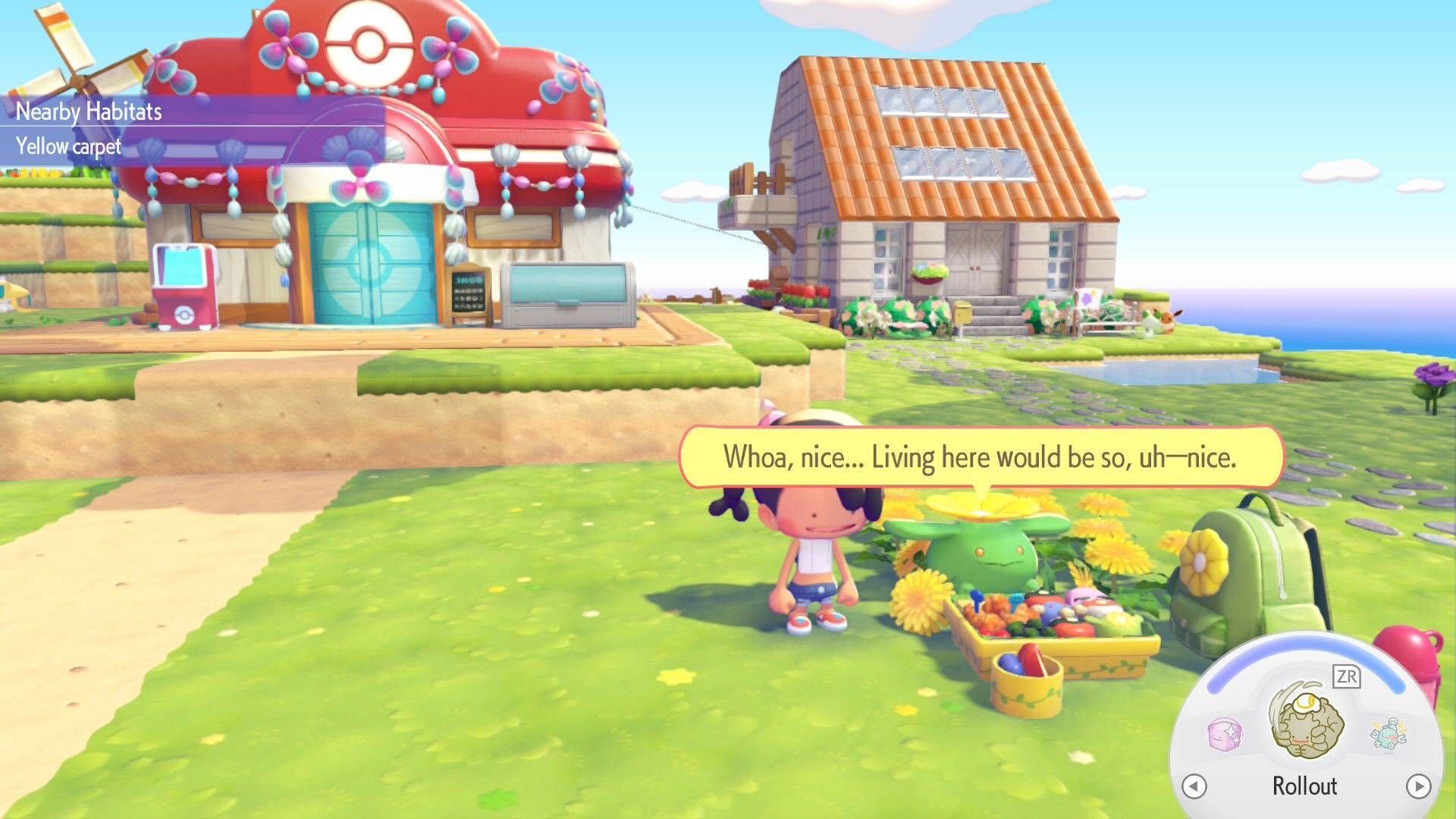
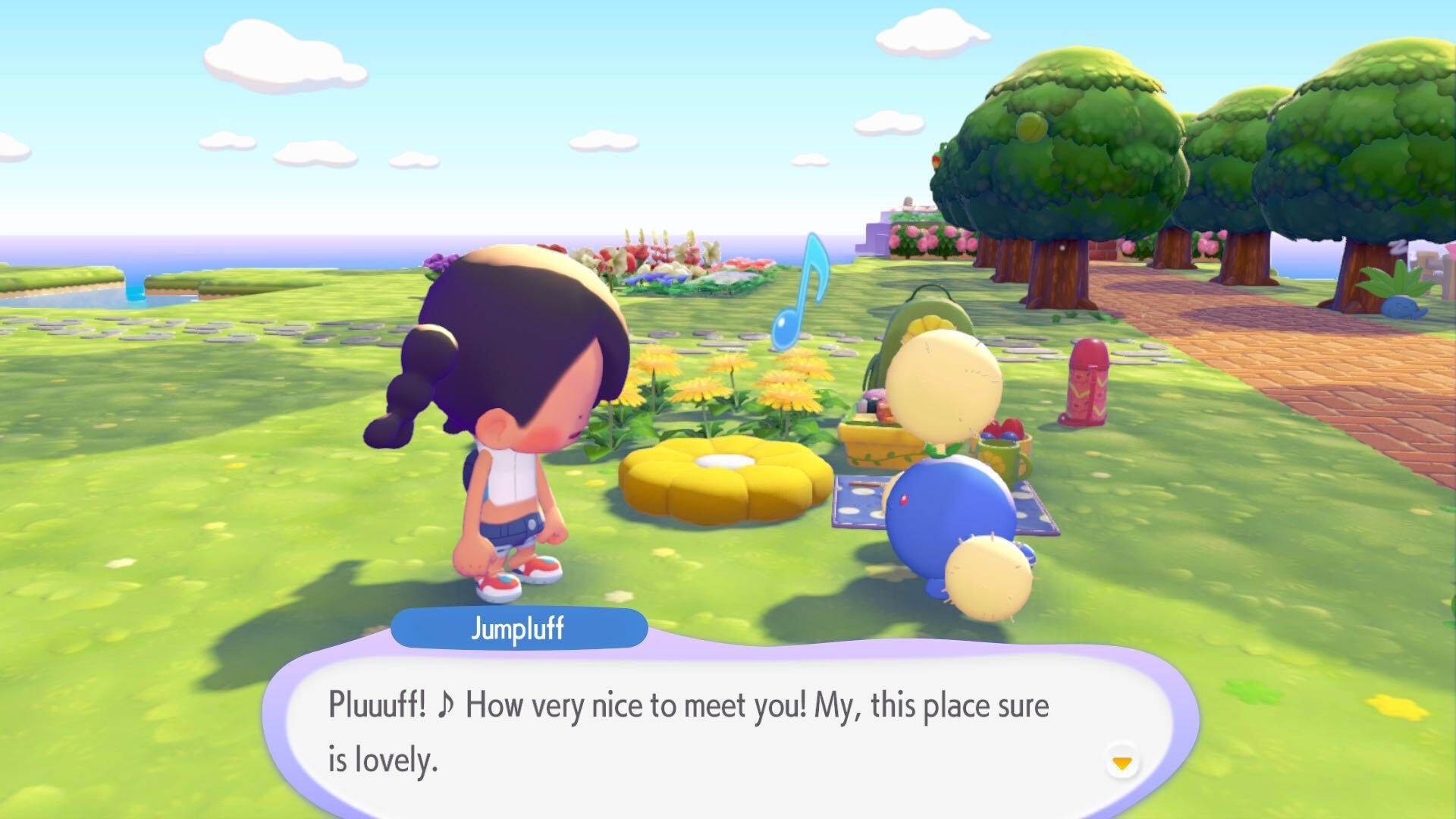


Printing requires Pokémetal and Rare Pokémetal. With enough of those resources, the habitat pieces can be printed as many times as needed.
Skiploom and Jumpluff example
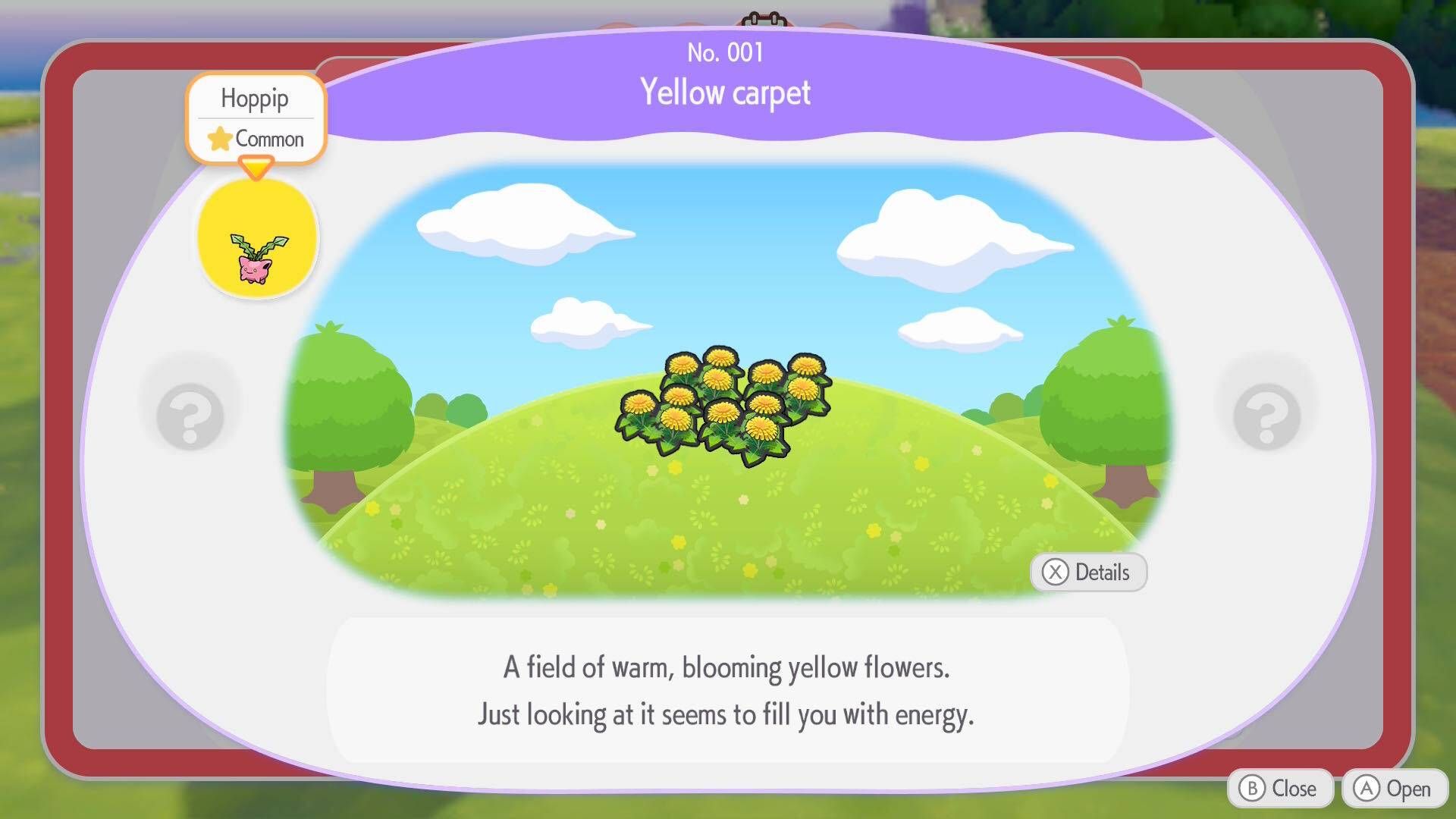
The method was tested after the player missed the “More Spores for Hoppip” event. They were still early in their Pokopia journey at the time, so Skiploom and Jumpluff were unavailable.
On the developers’ dream island, the event’s required items are positioned beside the Pokémon Center. After photographing the set, the player spent Pokémetal to recreate the habitat in Palette Town. Skiploom and Jumpluff appeared almost immediately.
A workaround for a full collection
The same process can be used for other missed event habitats and their Pokémon. It is a useful option for players trying to complete their collection without changing the console’s date and time, although it still depends on having Nintendo Switch Online and sufficient printing materials.
For more Pokopia information, keep an eye on the RETROCADE Arcade Blog. Players planning a dedicated gaming setup can also browse arcade machines, compare options in the arcade machine buying guide, or explore space-saving bartop arcades.


Leave a Reply