

Description
2026 X10 Pro Retro Game Stick 4K – 128GB 50,000+ Games
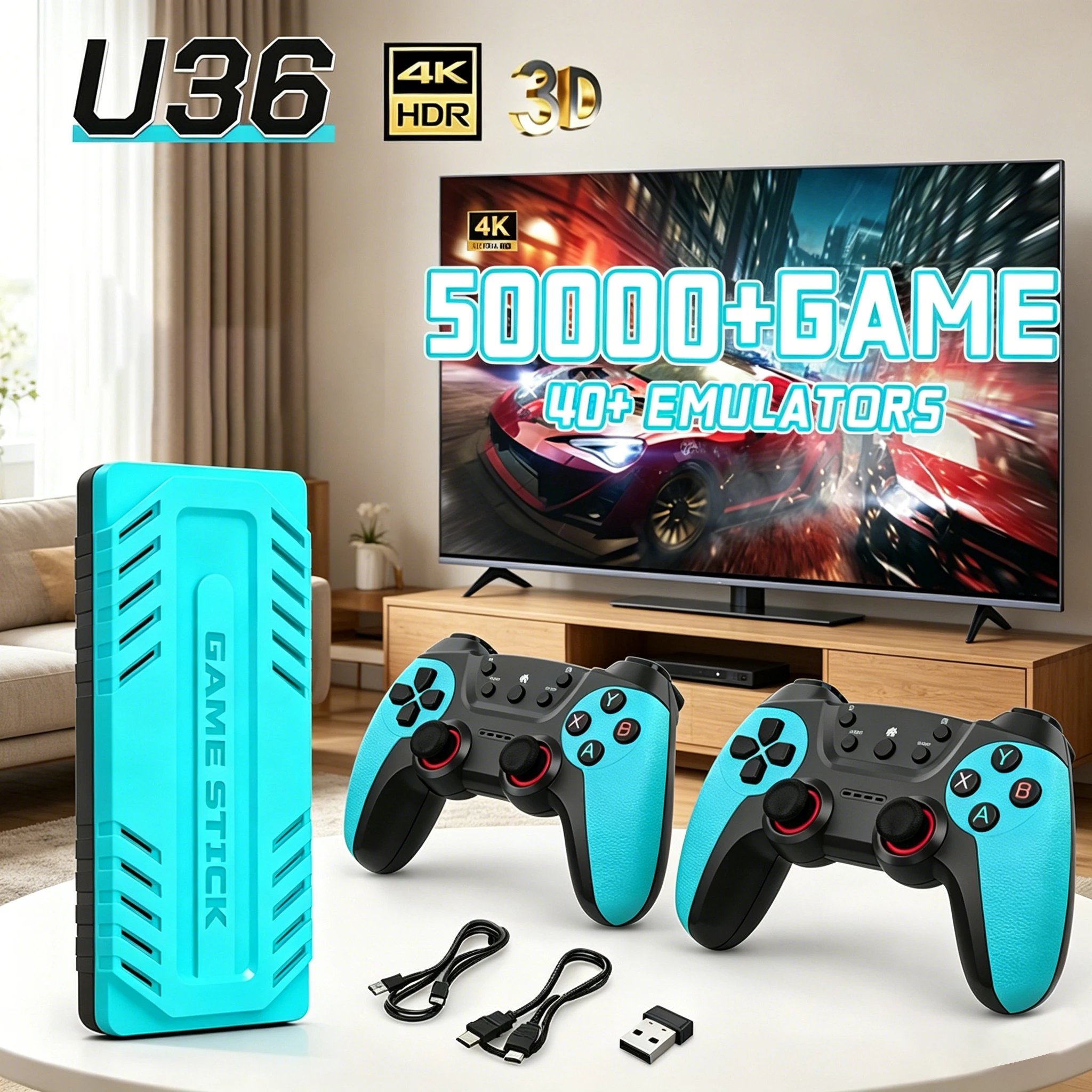
Bring thousands of classic arcade and console games directly to your television with the 2026 X10 Pro Retro Game Stick 4K. Designed as a simple plug-and-play retro gaming solution, the X10 Pro features a huge 128GB game library containing more than 50,000 games across over 50 supported emulator systems.
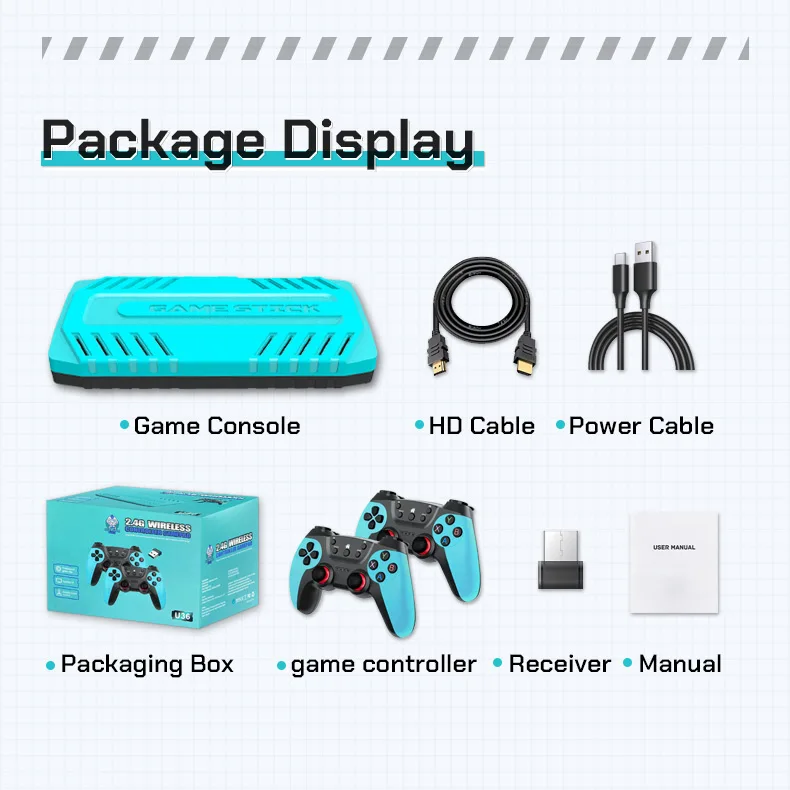
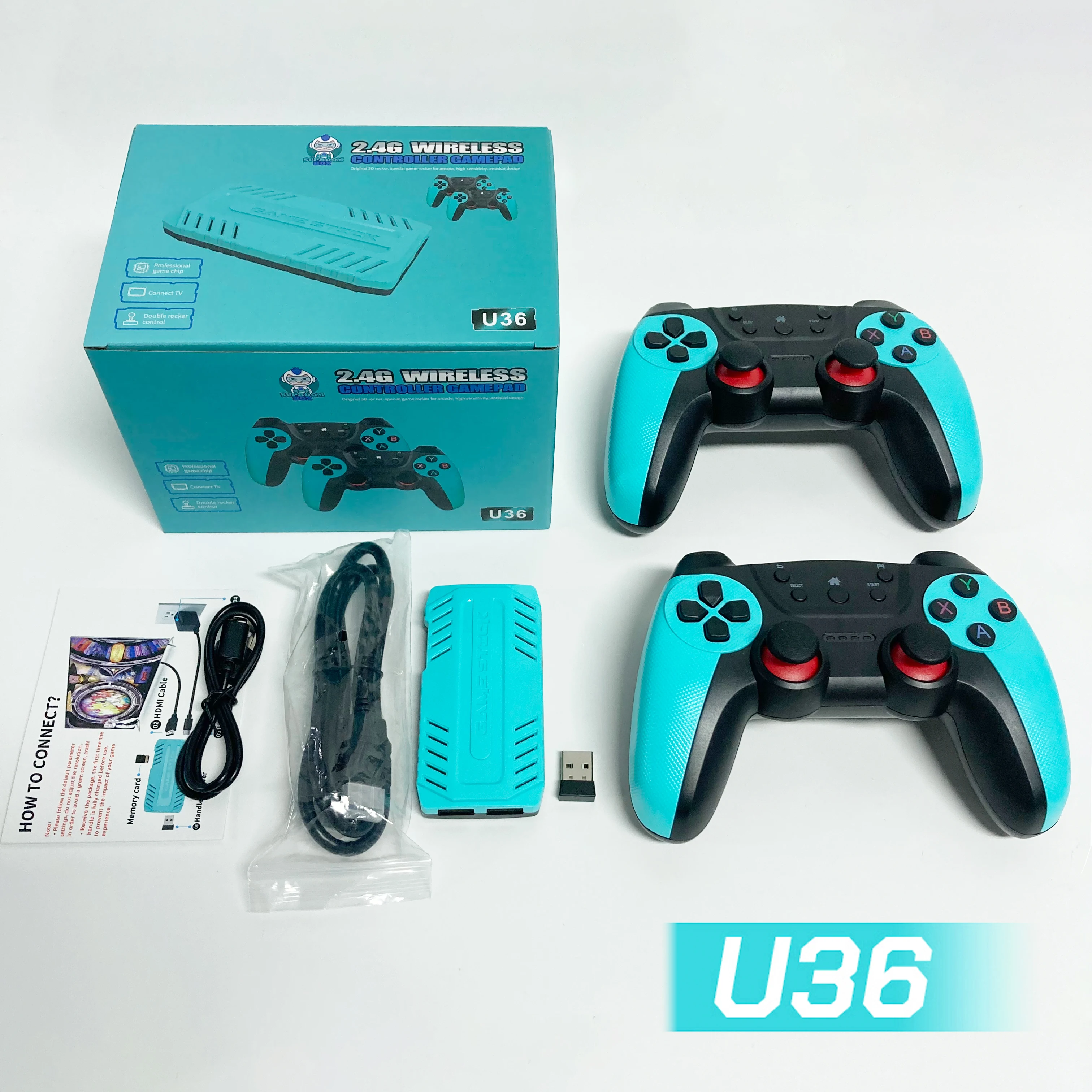
Powered by the popular EmuELEC retro gaming platform, the X10 Pro combines multiple generations of classic gaming into one compact device. Simply connect the game stick to your television or monitor using HDMI, connect the USB wireless receiver and power cable, turn on the controllers and start playing.
The compact design allows the X10 Pro to sit neatly behind your TV while the included rechargeable wireless controllers provide comfortable gaming without long cables running across the room.
50,000+ Built-In Retro Games
The 128GB X10 Pro comes supplied with a massive collection of more than 50,000 retro games, providing access to thousands of classic titles from multiple generations of arcade and home console gaming.
Instead of setting up separate systems, downloading individual emulators or configuring complicated software, the X10 Pro provides a ready-to-use retro gaming environment through the EmuELEC operating system.
The built-in search function makes it easier to find games within the large library, while favourite games can be saved for quicker access later.
50+ Emulator Systems
The X10 Pro supports more than 50 emulator systems, allowing one compact game stick to replace multiple classic gaming consoles.
EmuELEC provides the front-end interface used to browse systems, select games, manage favourites and access system functions.
The supplied Micro SD card contains the operating system, game files and configuration required for the console to operate.
HDMI TV, Monitor and Projector Support
The X10 Pro connects directly to compatible TVs, monitors and projectors using HDMI.
The system supports 1080P and 720P video output, making it suitable for modern flat-screen televisions and displays.
Simply connect the HDMI cable to your display, select the correct HDMI input and power on the game stick.
Rechargeable Wireless Controllers
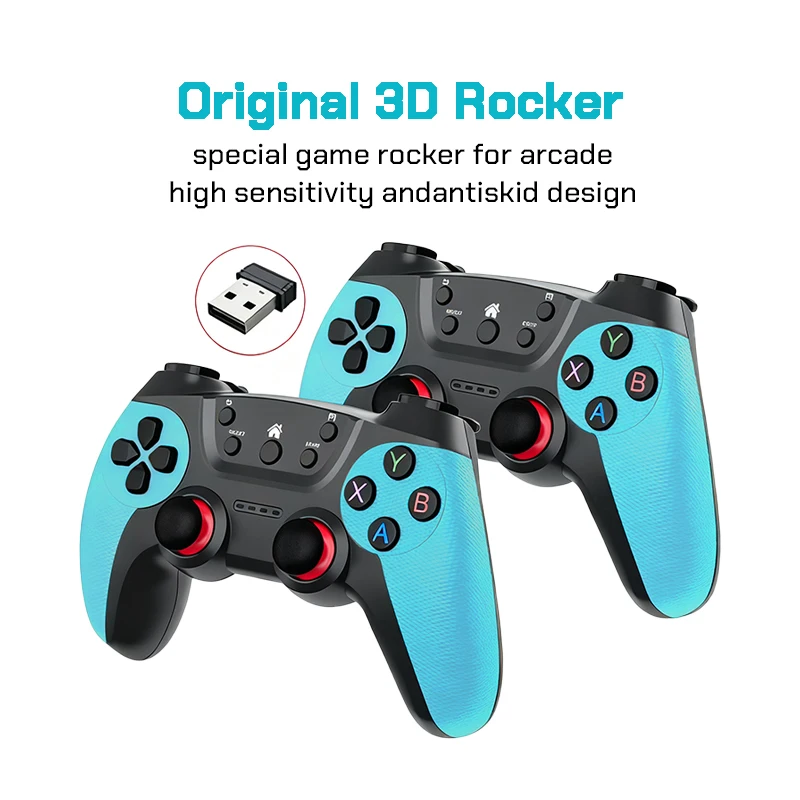
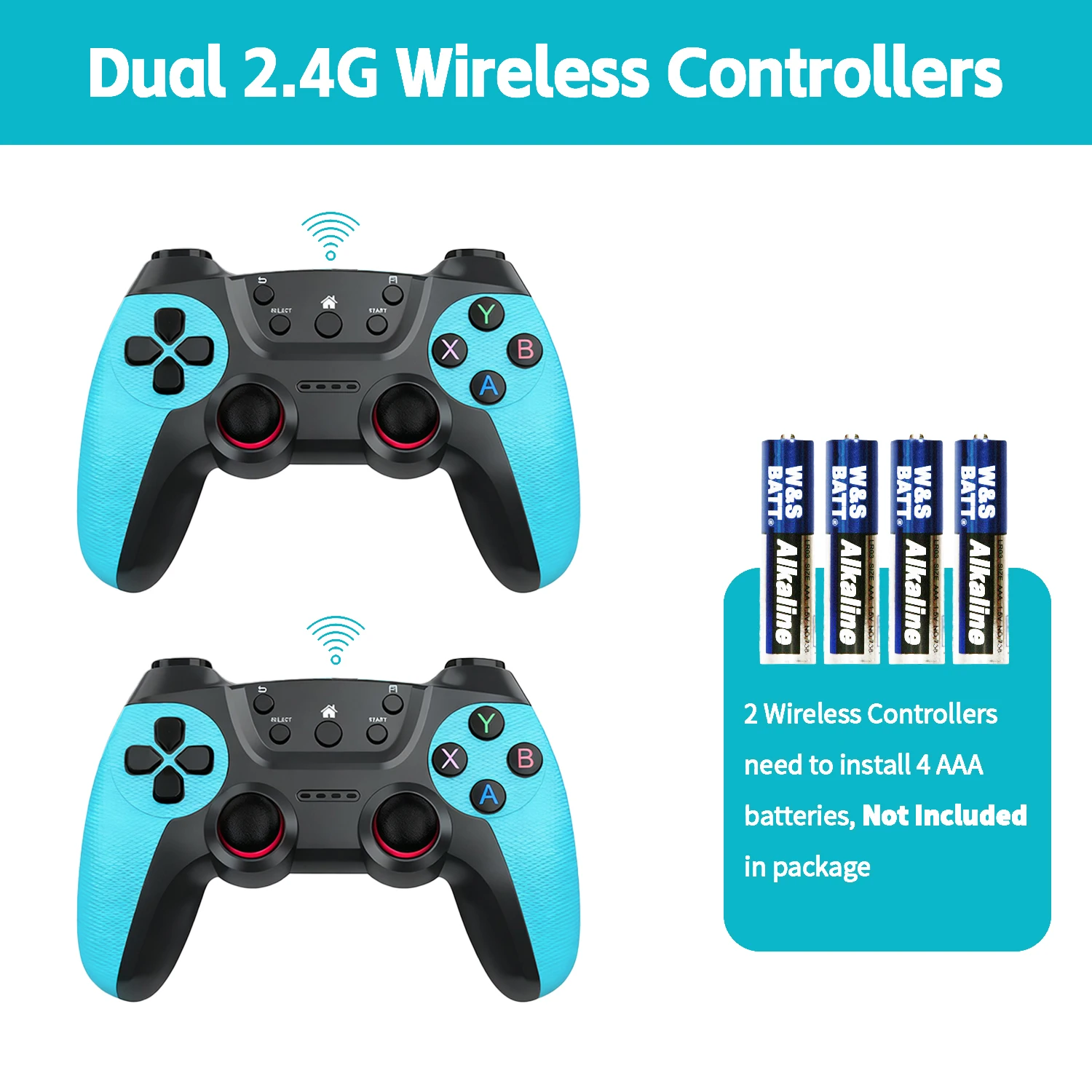
The X10 Pro includes rechargeable 2.4GHz wireless game controllers, allowing you to enjoy retro games without being restricted by controller cables.
The wireless system is ideal for lounge rooms, bedrooms, game rooms and other entertainment areas where players may be sitting several metres away from the television.
Two-player gaming is supported, allowing friends and family to enjoy compatible multiplayer games together.
Game Search Function
With tens of thousands of games available, the built-in search system makes locating specific titles much easier.
Press the X button from the main interface to access the game search function and quickly locate games within the installed library.
Favourite Games
Frequently played games can be added to the favourites section for easier access.
Press and hold the Y button while highlighting a game to add it to your favourites list.
This provides a convenient way to create your own personalised collection from the large built-in game library.
Save and Load Game Support
The X10 Pro supports game save and load functions through the emulator quick menu.
Press and hold the Start button while playing to access the quick menu where supported games can be saved, loaded or exited.
This allows players to continue games later without having to restart from the beginning.
Easy Plug-and-Play Installation
Setting up the X10 Pro is simple and requires only a few connections.
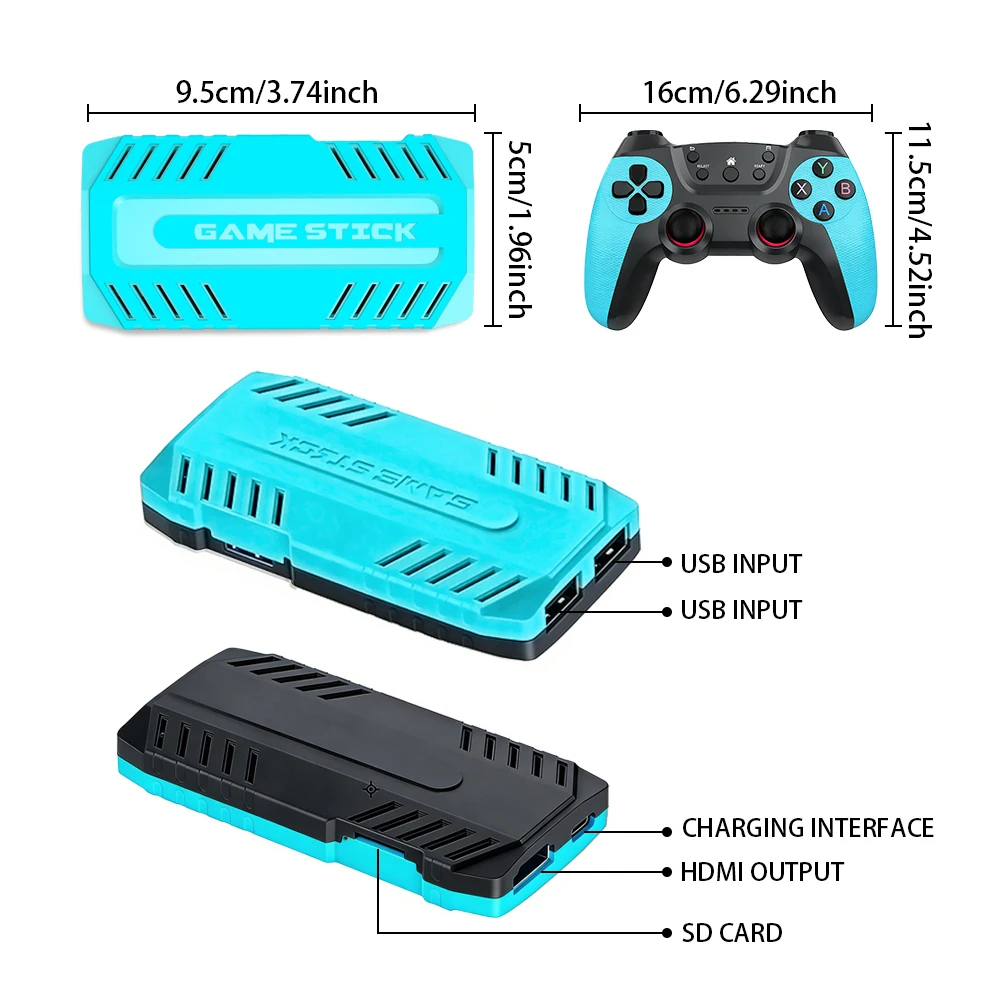
Plug the USB wireless receiver into the USB port on the game stick.
Connect the supplied power cable to the game stick and a suitable 5V 2A power source.
Connect the HDMI cable from the X10 Pro to an available HDMI port on your television, monitor or projector.
Select the corresponding HDMI input on your display.
Turn on the wireless controller and select your game.
Controller Functions
Press the X button to search for games.
Press the Start button from the home screen to open the settings page.
Press Start + Select twice to quickly exit a running game and return to the game list.
Press and hold the Start button while playing to open the quick menu containing exit, save, load and additional emulator options.
Press and hold the Y button to add games to your favourites.
Important Setup Information
When receiving the X10 Pro, the rechargeable wireless controllers should be charged before use.
For reliable operation, we recommend keeping the original system settings and configuration supplied with the game console.
Avoid changing system resolution settings or manually adding, deleting or modifying files on the supplied Micro SD card unless you are familiar with EmuELEC systems, as incorrect changes may prevent the game console from operating correctly.
X10 Pro Specifications
Model: X10 Pro Game Stick 4K
Operating System: EmuELEC
Storage Capacity: 128GB
Built-In Games: 50,000+
Supported Emulators: 50+
Video Connection: HDMI
Video Output: 1080P / 720P
Controllers: Rechargeable 2.4GHz Wireless Controllers
Multiplayer: Supports Two Players
Game Search: Yes
Favourite Games: Yes
Save and Load Support: Yes
Display Compatibility: TVs, Monitors and Projectors
Power Requirement: 5V 2A
Compact Retro Gaming System
The X10 Pro Retro Game Stick 4K provides an easy way to enjoy a huge collection of classic games without building a dedicated gaming PC or configuring dozens of individual emulator programs.
With 50,000+ games, 50+ emulator systems, 128GB storage, rechargeable wireless controllers and HDMI connectivity, the X10 Pro is an ideal compact retro gaming system for home entertainment, game rooms and classic gaming enthusiasts.
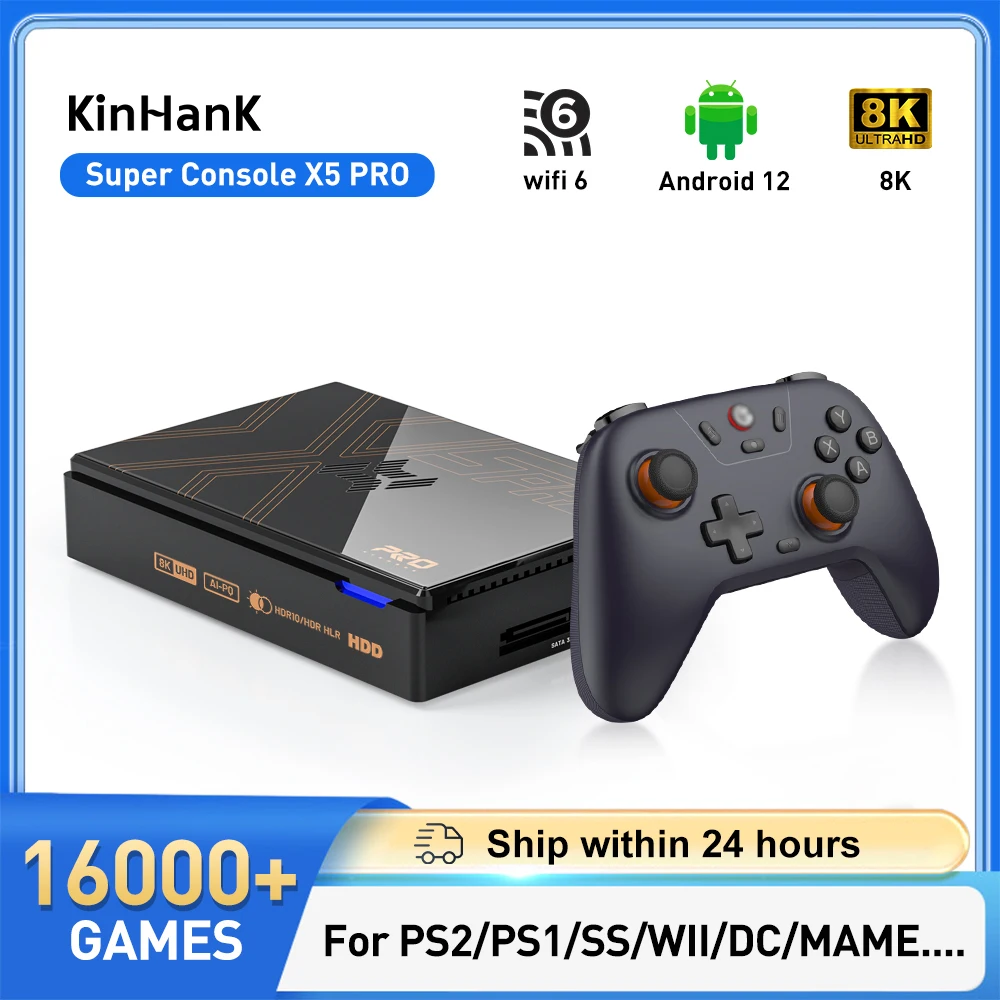



The controller sometimes gives an error, and if you don’t turn on the first controller that’s in green, the second one doesn’t work either, which is in red. I paid an average of 250, plus 70 reais for the original X10 Pro that comes with an S905X3 processor.
Well, it’s quite limited.
When selling, you should include the correct product description in the listing.