

Description
Discover the Simulator Series 8 Golf Simulator Bay+ Projector Mount frame kit + Pro Turf at RETROCADE Australia. This product is part of our selected golf simulators range for games rooms, entertainment spaces and home leisure setups.
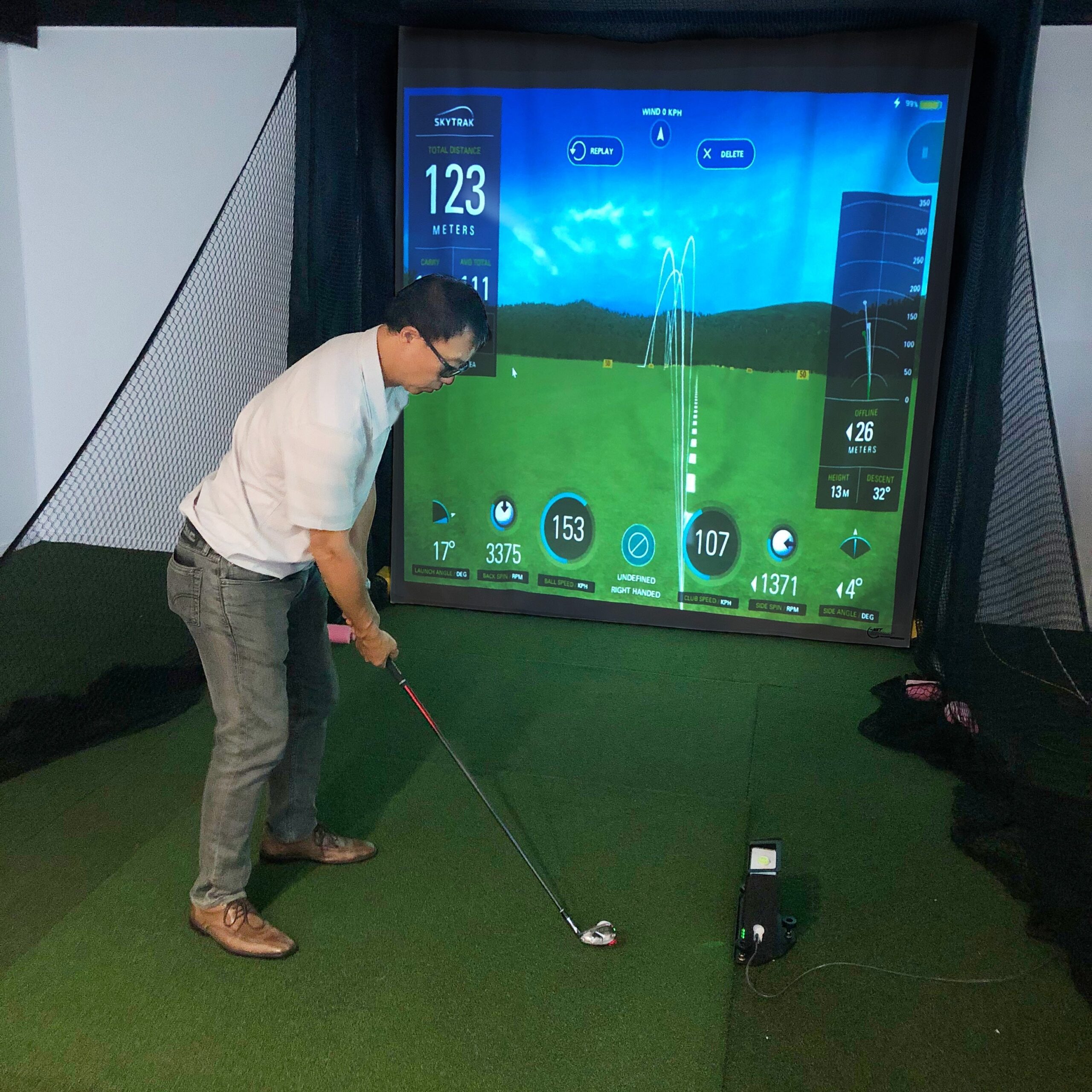
Used by Flightscope, Trackman, ForesightSports, Skytrak and many more simulators and launch monitors with our Sim Series Golf Bays.
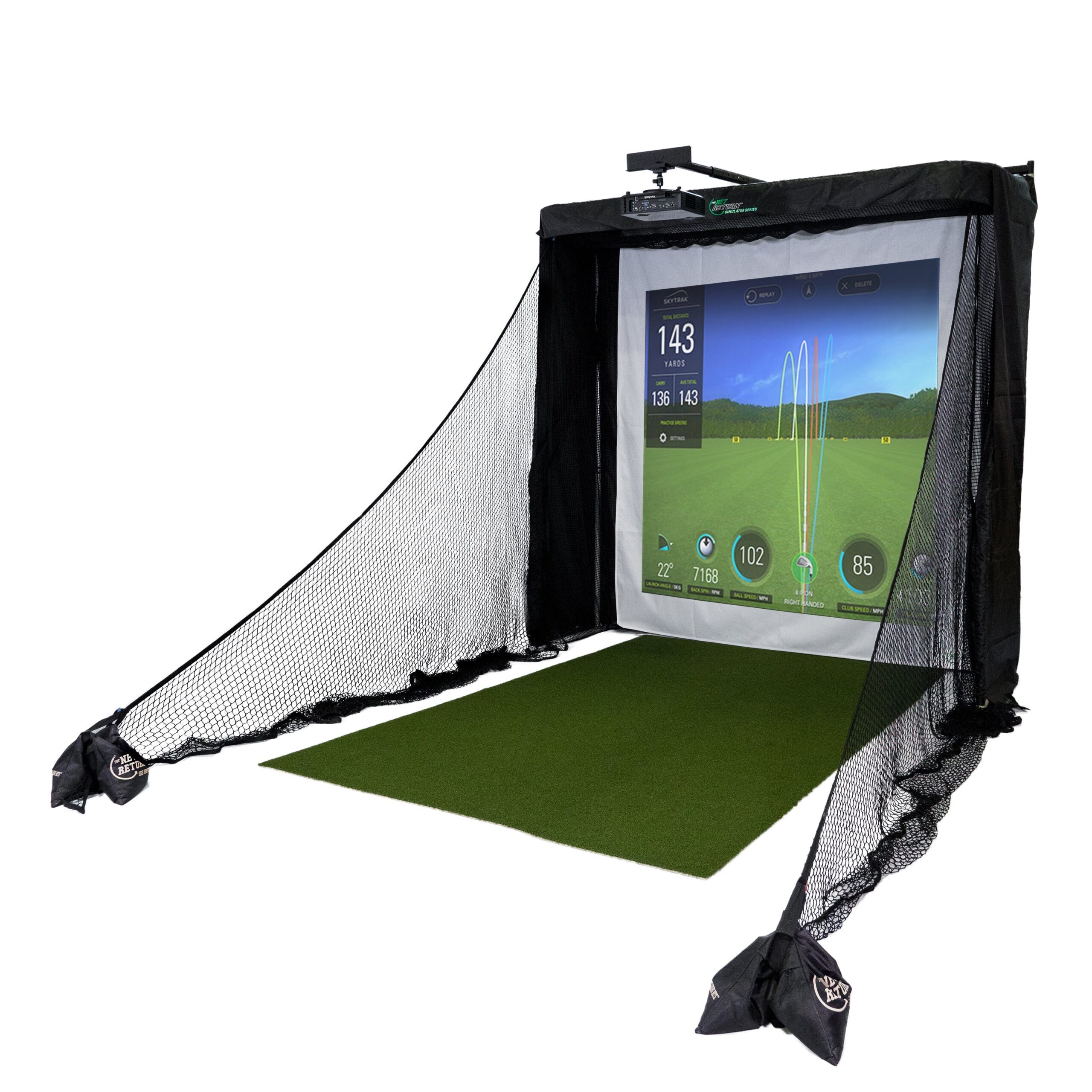
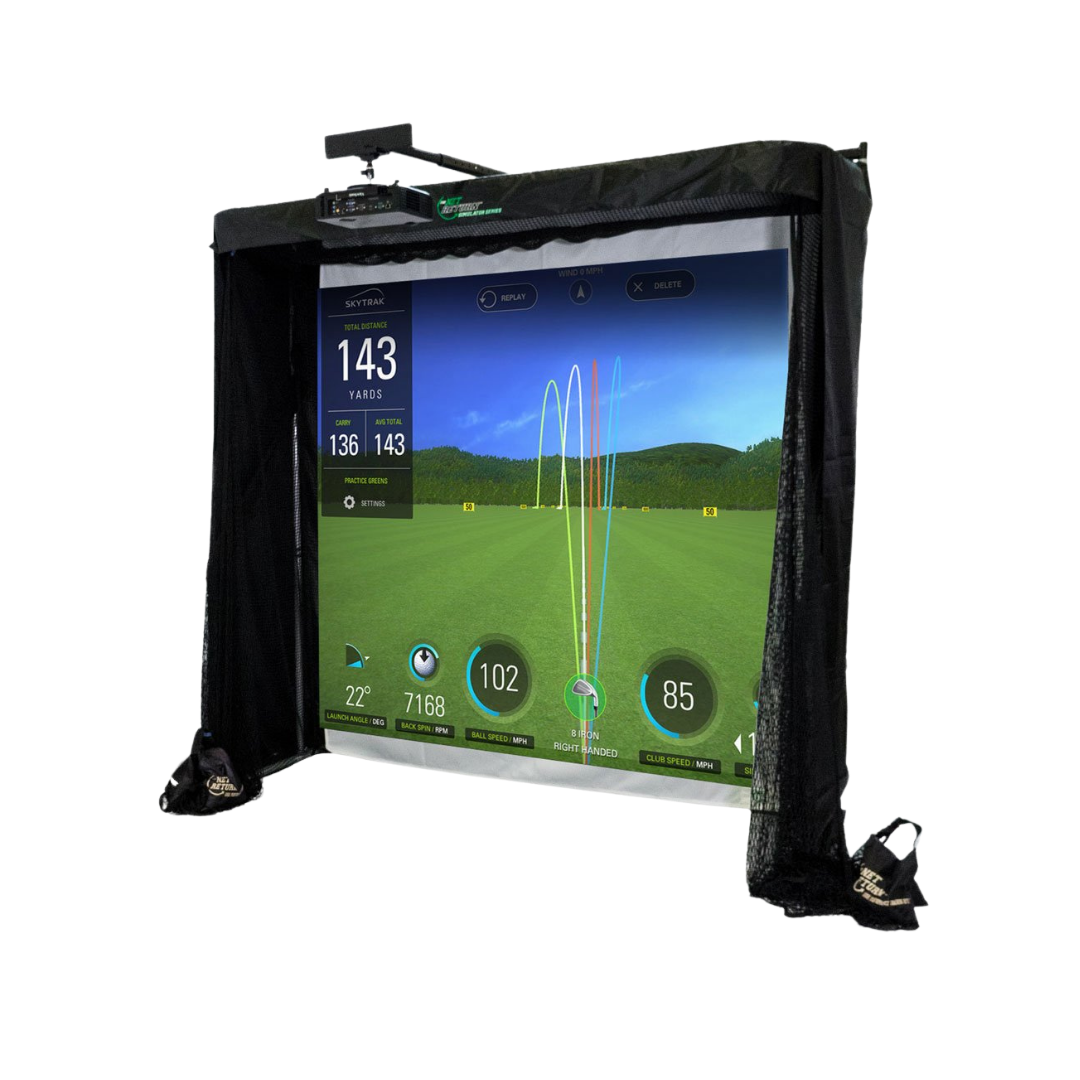
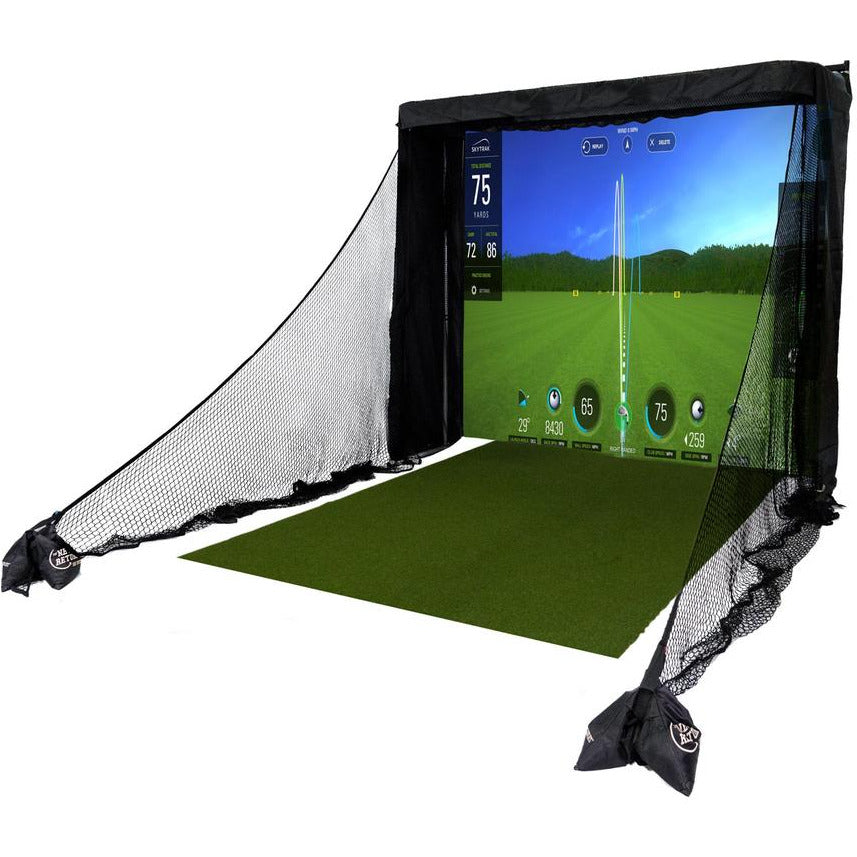
The Net Return™ introduces its new Simulator Series Golf Practice Net. Push Button Quick Colour Connect Setup, Compact Design, Floating Polyester Screen and can be used with any Golf Simulator Software.
Each and every Simulator Series Practice Net is premium handcrafted quality and Made in the USA.
- * Lightweight, Rugged, 1.5″ Tubular Aluminium Frame
- * Commercial Grade, UV Black Polyester Netting (Not Nylon)
- * Large, Stainless Steel Push Buttons
- * Floating Display / Polyester Impact Screen
- * Side Barriers for the Ultimate in Safety
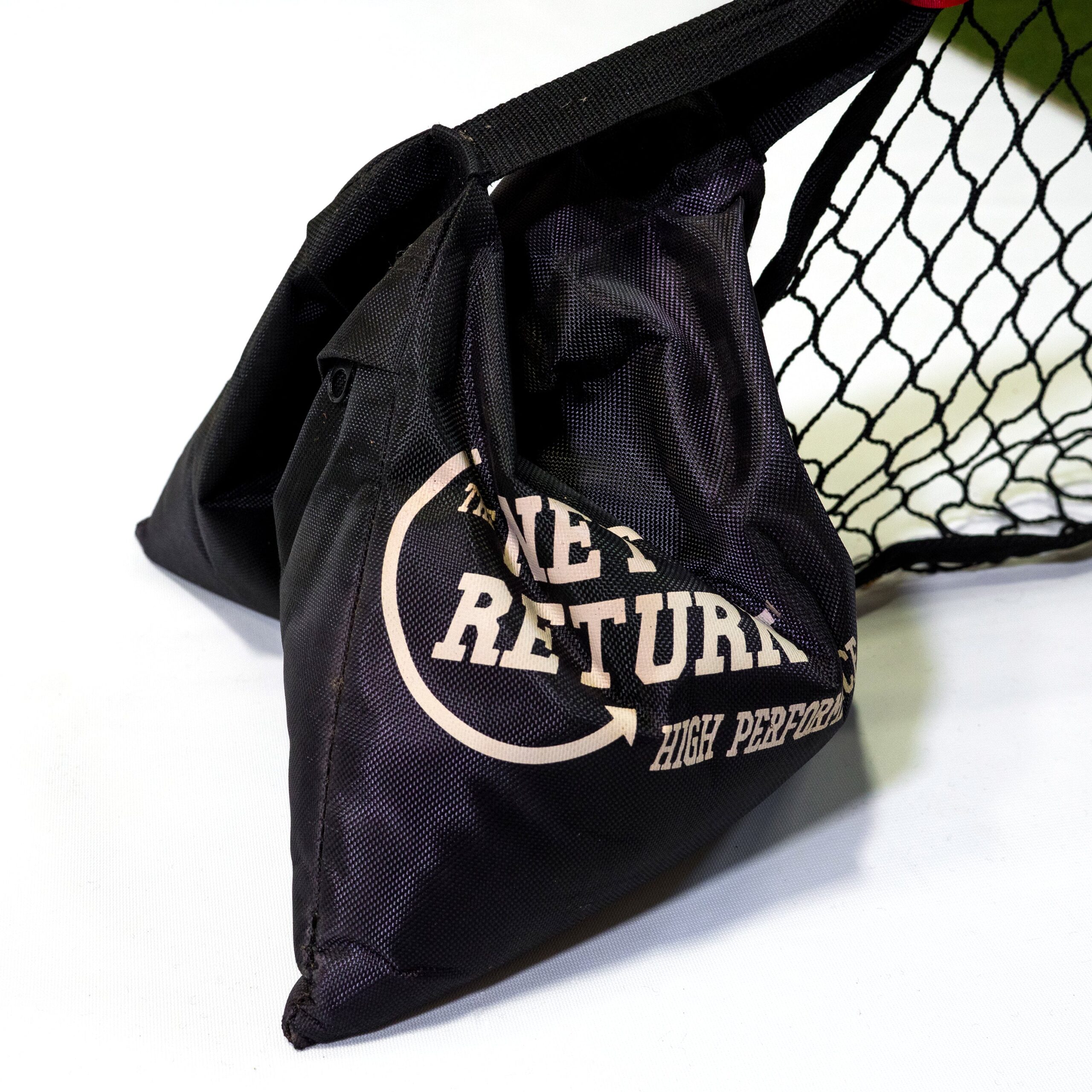
- (* 2) Black Carry Bags
- * Rear and Side Black Nylon Valences
One Person Setup in Under 45 Minutes…
- * Push Button Assembly
- * Quick Colour Connect System™
- * Sleeved Net – Always Stays Sleeved…
- * Watch our Assembly Video shown below
What is NOT included and what is include with the 4 package options.
- *Skytrak launch monitor
- *TV and Computer
- *Golf Turf (optional)
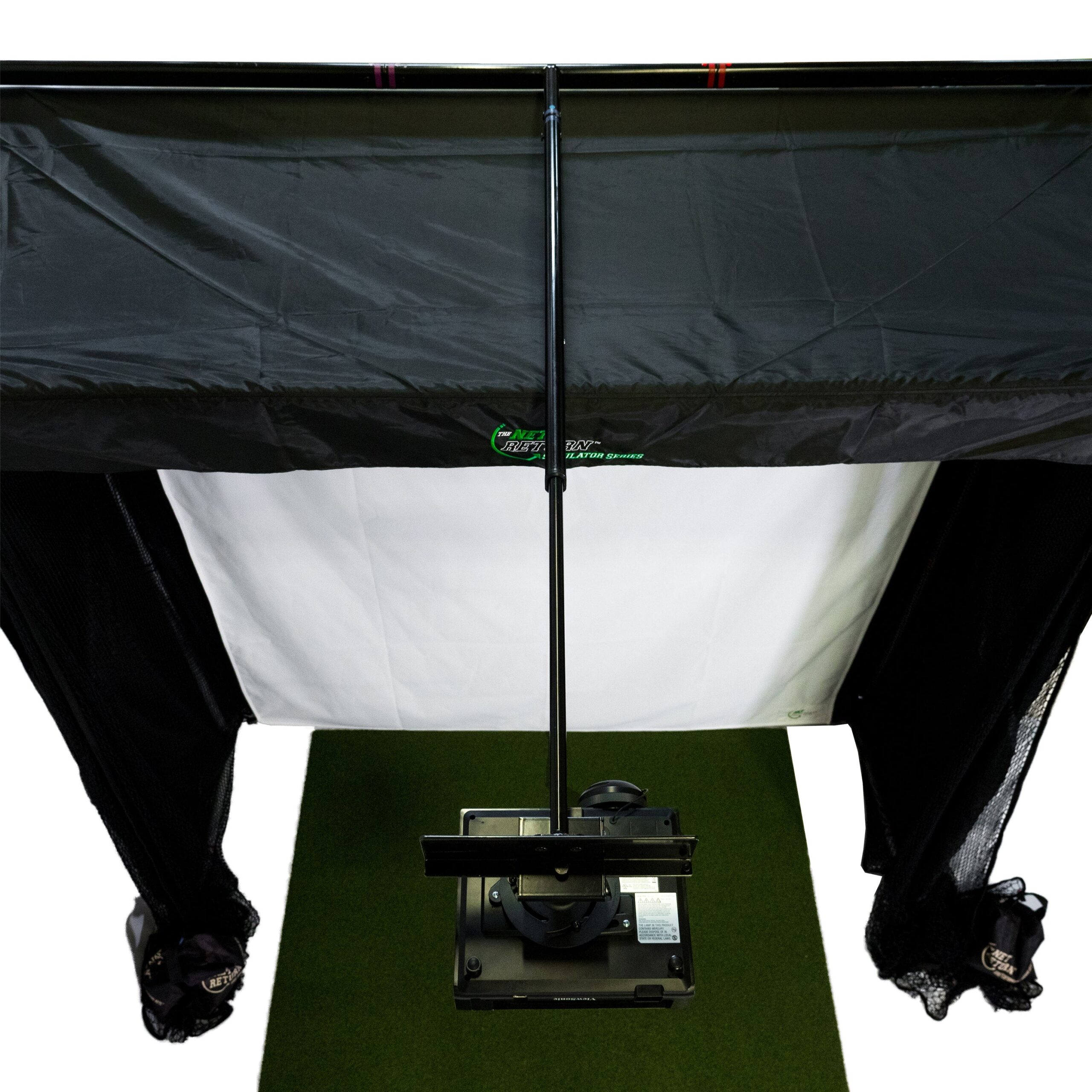
- * Projector Mount Kit (Sold Separately)
- * Projector – * We recommend a Short Throw Projector from (Infocus – Model # in118hd) or the ViewSonic Projector Model #PJD6552LWS
- In our Simulator Series video we used a ViewSonic Ultra Short Throw Projector. ViewSonic Model #pjd6683ws at a 4:3 Aspect Ratio. This Model has been discontinued. We now recommend the Viewsonic Projector Model#PJD6552LWS (This is a Short Throw Projector weighing approx. 8 lbs.)
- * Simulator Software (Sold Separately)
- * Computer
- * Cabling
- * Any questions? Give us a call, or drop us an email. It’s important to get these steps right so please do not hesitate reach out…

Simulator Series Specifications…
- – Frame Height: 8’10” (Rear Display Bar) * With Projector Mount Kit Installed Height Increases to 9 ft / 275cm
- – Frame Height 8ft 10″ (Front Horizontal Tubing) / 269cm
- – Frame Width: 8ft / 244cm
- – Frame Depth: 3′ 6″ / 107cm
- – Unit Weight: 58 lbs. (With Projector Mount Kit 85 lbs.)
- – With The Projector Mount Kit Accessory Added – Max. Extension of arm 5’9″ from screen / with arm compressed 4’2″ from screen
- – Max Projector Weight on Projector Mount Kit 12 lbs.
- – The actual Simulator Series Screen is 100″ Tall x 87″ Wide (8’3″ x 7’2″). Bottom Left Corner to Upper Right Corner is – 131.5″ (10′ 9″)
- – In our Simulator Series video we used a ViewSonic Ultra Short Throw Projector. ViewSonic Model #pjd6683ws at a 4:3 Aspect Ratio. This Model has been discontinued.
- We now recommend the Viewsonic Projector Model#PJD6552LWS (This is a Short Throw Projector weighing approx. 8 lbs.)
- Optoma GT1080 HDR short throw projector
- – You will want to use a 4:3 Aspect Ration rather than a 16:9 Aspect Ratio due to the squareness of our screen.
- To test the exact size of the picture that will show up on the Simulator Series screen with your projector model, consult the manufacturers projector distance calculator. This allows you to plug in the projector model you are using, distance from screen, aspect ratio, etc. providing you with an exact picture size ahead of time.
- Below is a link to a generic projector distance calculator, from Projector Central for you to use as an example – www.projectorcentral.com/projection-calculator.cfm
- https://www.optoma.com/projectioncalculator/
1. Use the GT1080 (discontinued model) to calculate as a Short throw
2. Select desktop or ceiling mounting option
3. Select you rAspect Ratio. For The Net Return sim screens use 4:3
4. Select your room size settings
5. Move the Console to the desire projection calculation you want to achieve
6. Screen shot to save your settings for reference during installation.
Satisfaction Guaranteed…
- * 30 Day Money Back Guarantee (less shipping and handling)
- * 12 month warranty included
- * Not Available in Stores
Order the Simulator Series 8 Golf Simulator Bay+ Projector Mount frame kit + Pro Turf from RETROCADE and explore our wider golf simulators collection. Review the specifications and available options above to confirm it is the right choice for your space.



Reviews
There are no reviews yet.